Hosting a CTF for a student organization

I have previously posted about a presentation I did about getting ready for the USTICC Security competition and with that I promised to run a capture the flag within a week. Oh how naive I was! I didn't realize the difficulty in setting up your own hosted event. I do hope to bring you through the journey and methodology in setting up this event however, so you can hopefully learn from this too!
This documentation is a combination of events, I did two events in total in my time at A-Bits, one being a event for "Cyber Cubs" A Missouri State University program for introducing students to cybersecurity, as well as the College student Cybersecurity project. Both had similar infrastructure.
Infrastructure
How did the CTF Infra work?
Planning
Since this will be a small event with only a couple of players, I don't need to make a deep plunge into Kubernetes, network automation, and hosting a huge cloud infrastructure. But what I need is to setup the base and know what I want to work with, then I can dive deep into that area. In the context of an event that HAS to work when it is time for it to happen, knowing for sure that it will work properly is essential. For these two examples, I kept it fairly simple by using docker containers.
Luckily, on my side I have free cloud credits (See Google, AWS, and others if you haven't claimed them already). This made it easy to create the virtual machine required to host the software for the competition itself. The next choice however, was what software that would be.
For options on what software to use to host the capture the flag, it is unfortunately really limited (for updated software) for self-hosted options in the CTF area. Luckily CTFd is heavily supported and has been used in the past by competitions I have competed in:
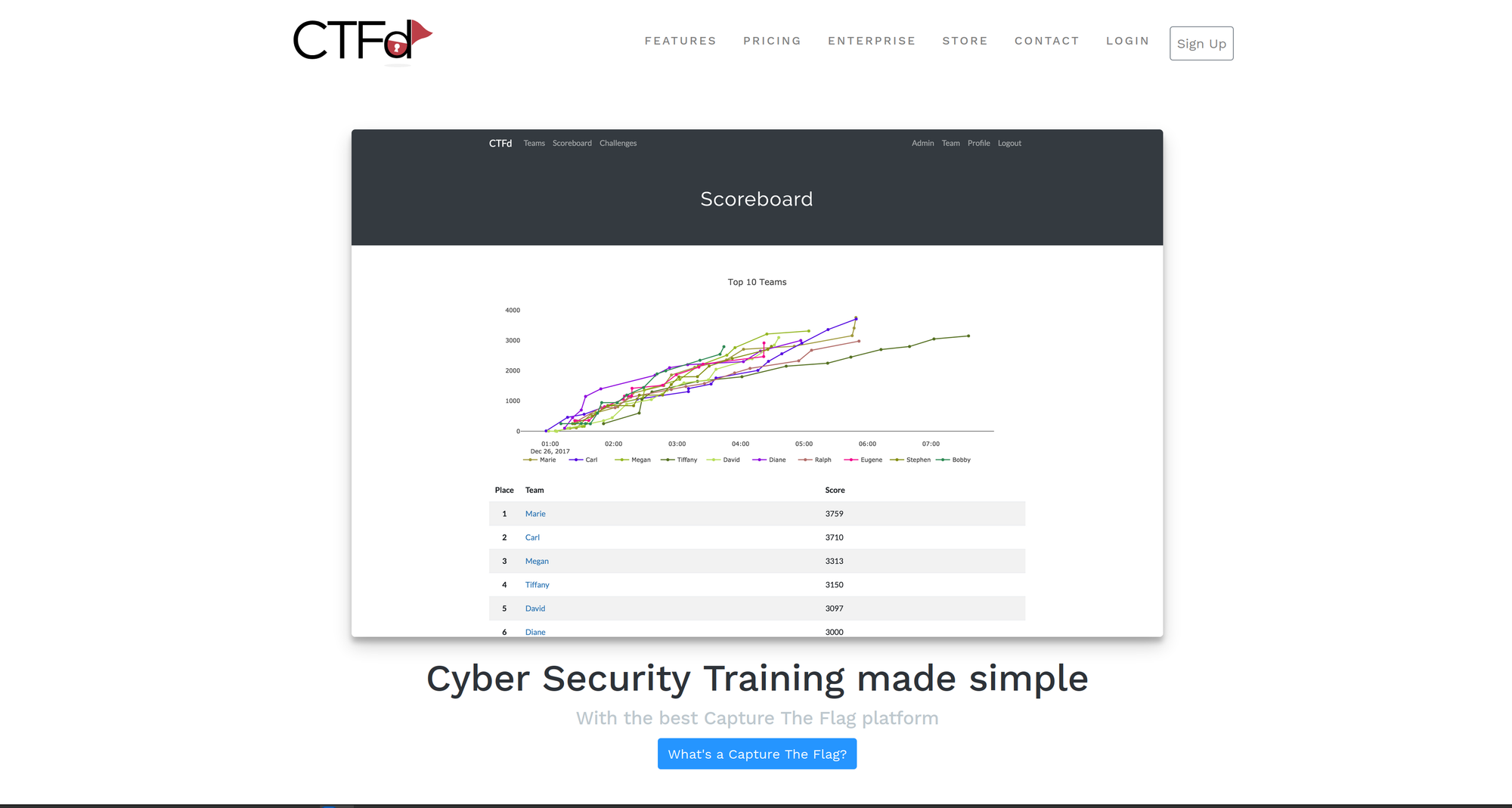
CTFd clearly was going to be the easiest way to get this done quickly and in a format that would be easy to manage for me being the single administrator of this competition.
Setting up CTFd
I followed the instructions to install CTFd located right on their github page:
 CTFd
CTFdOfficial CTFd github
The easiest way of deployment here was to utilize the docker container
My steps:
- Update the machine to latest:
sudo apt update && sudo apt upgrade -y - Ensure docker is installed:
sudo apt install docker.io git clonehttps://github.com/CTFd/CTFdcd CTFdGet into the directorynano docker-compose.yml- Here edit this file as required for the competitiondocker compose up -d- Site is online! Now lets configure SSL. For ease of use we will just use a Cloudflare proxy traffic so I avoid cert managemnet.
- Navigating to CloudFlare, using my registered site (olsontyler.com) and adding a new entry for ctf.olsontyler.com (proxied)

And believe it or not that is it! Our site is now setup with the default CTFd interface.
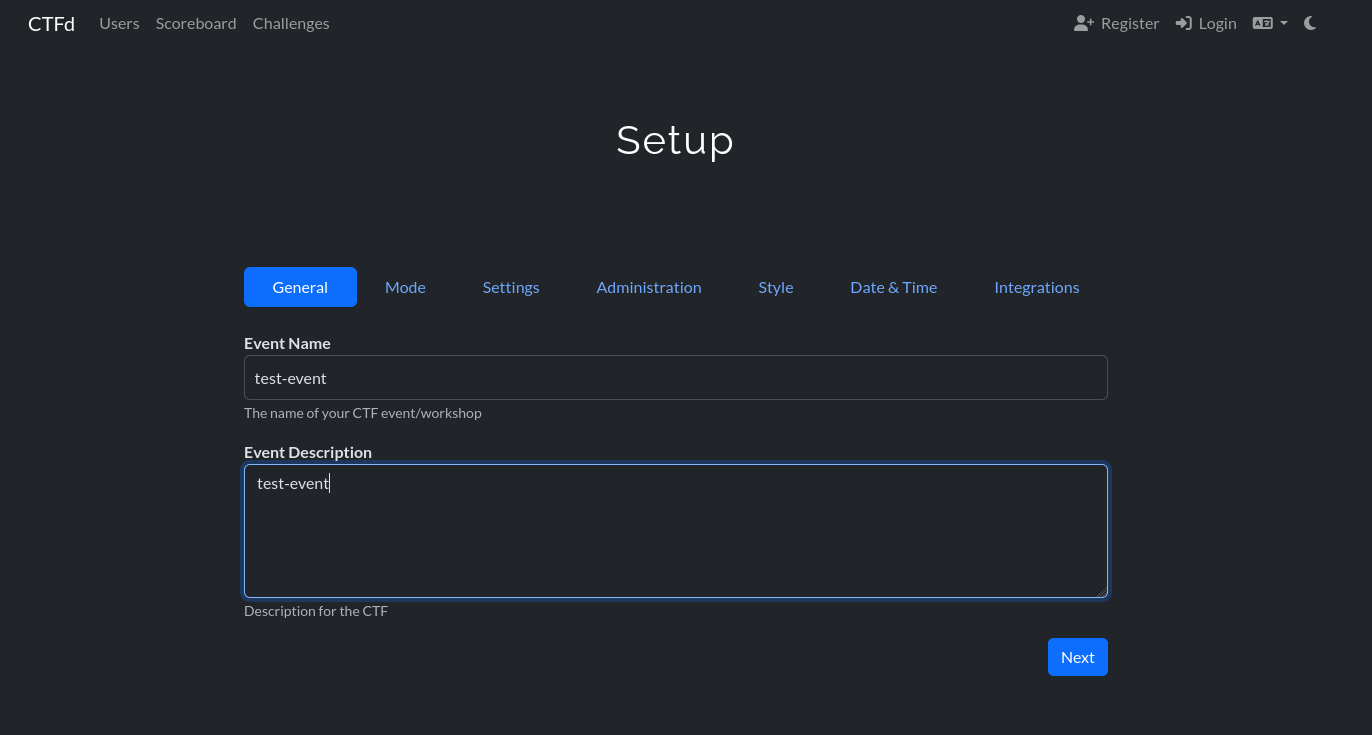
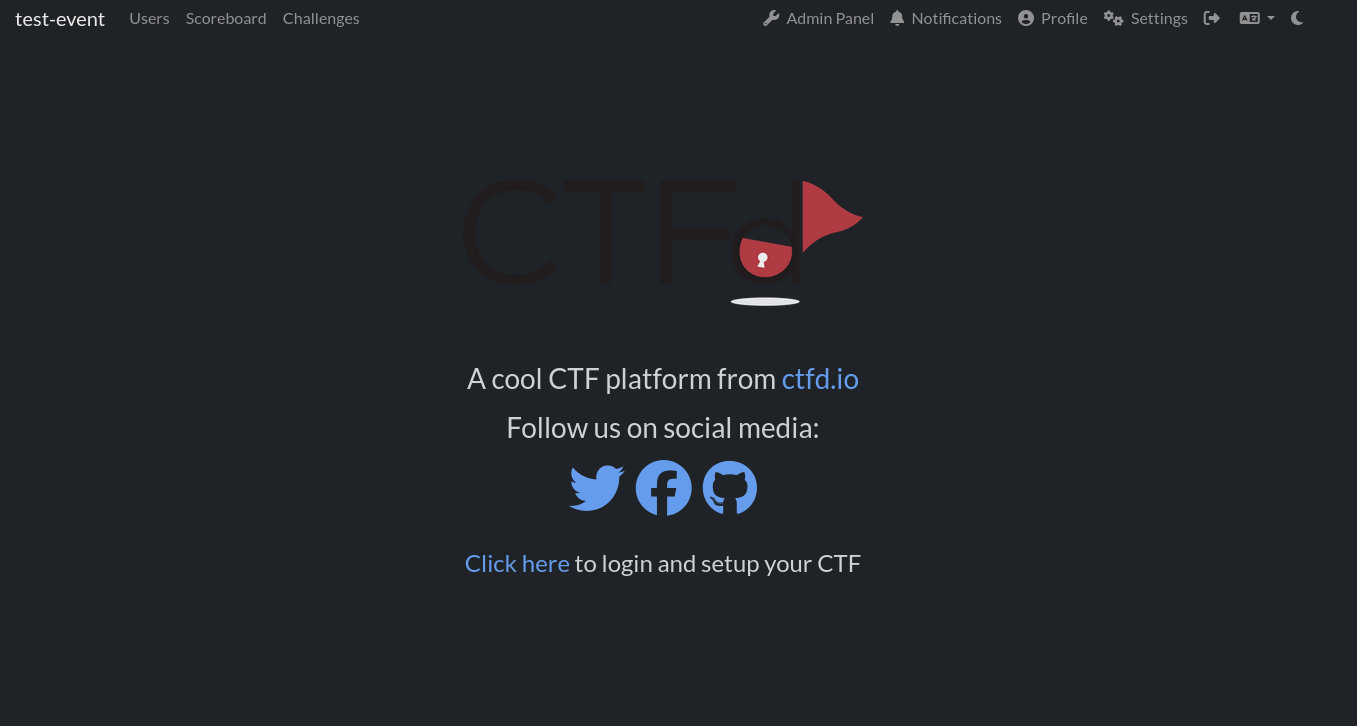
Design - Making it look professional
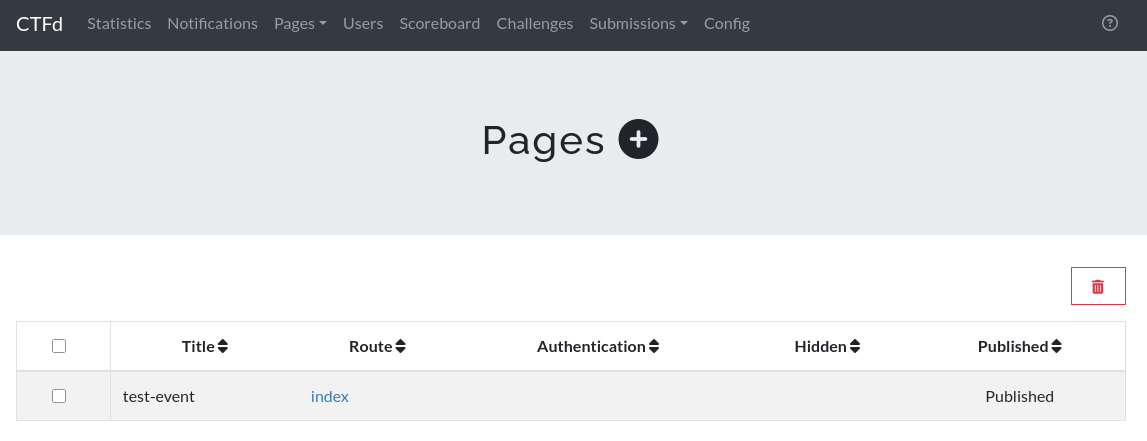
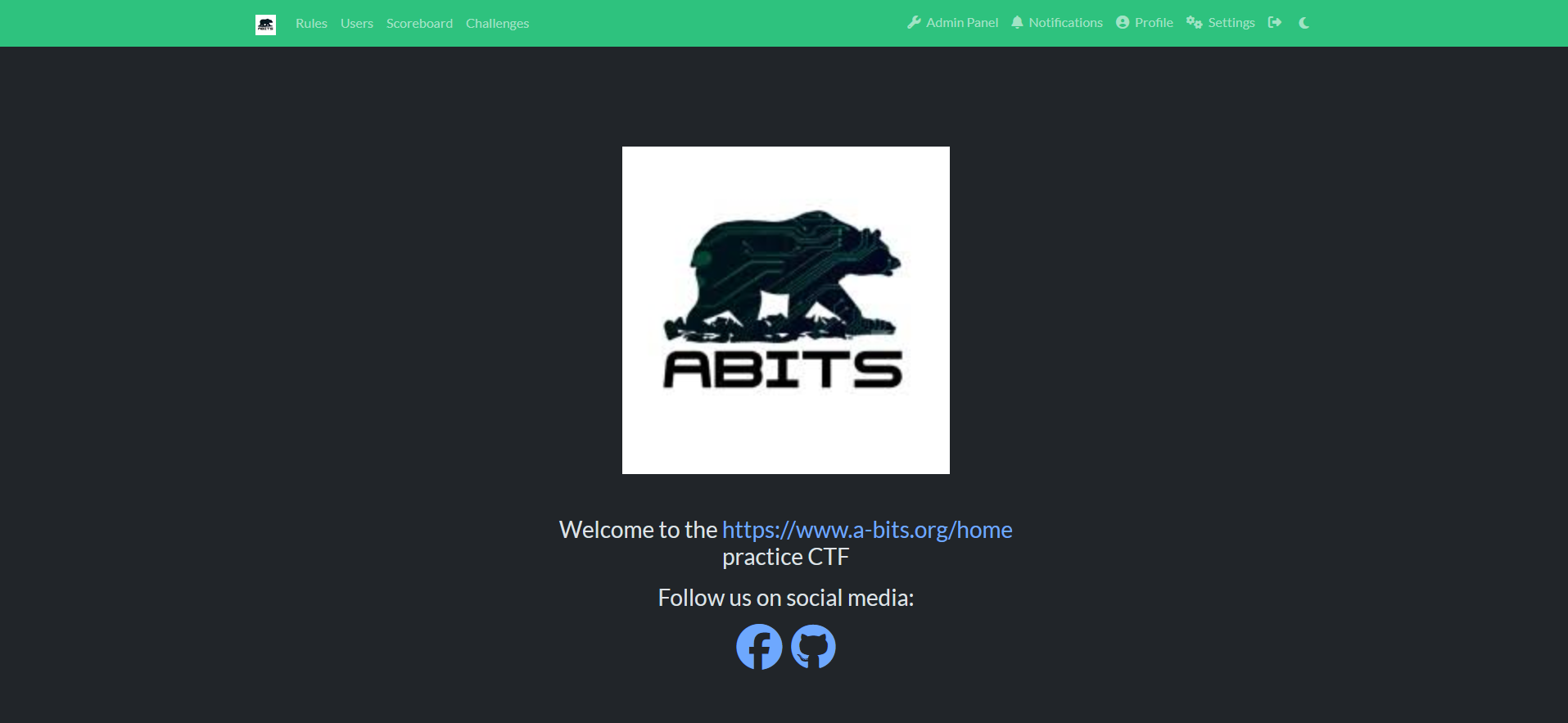
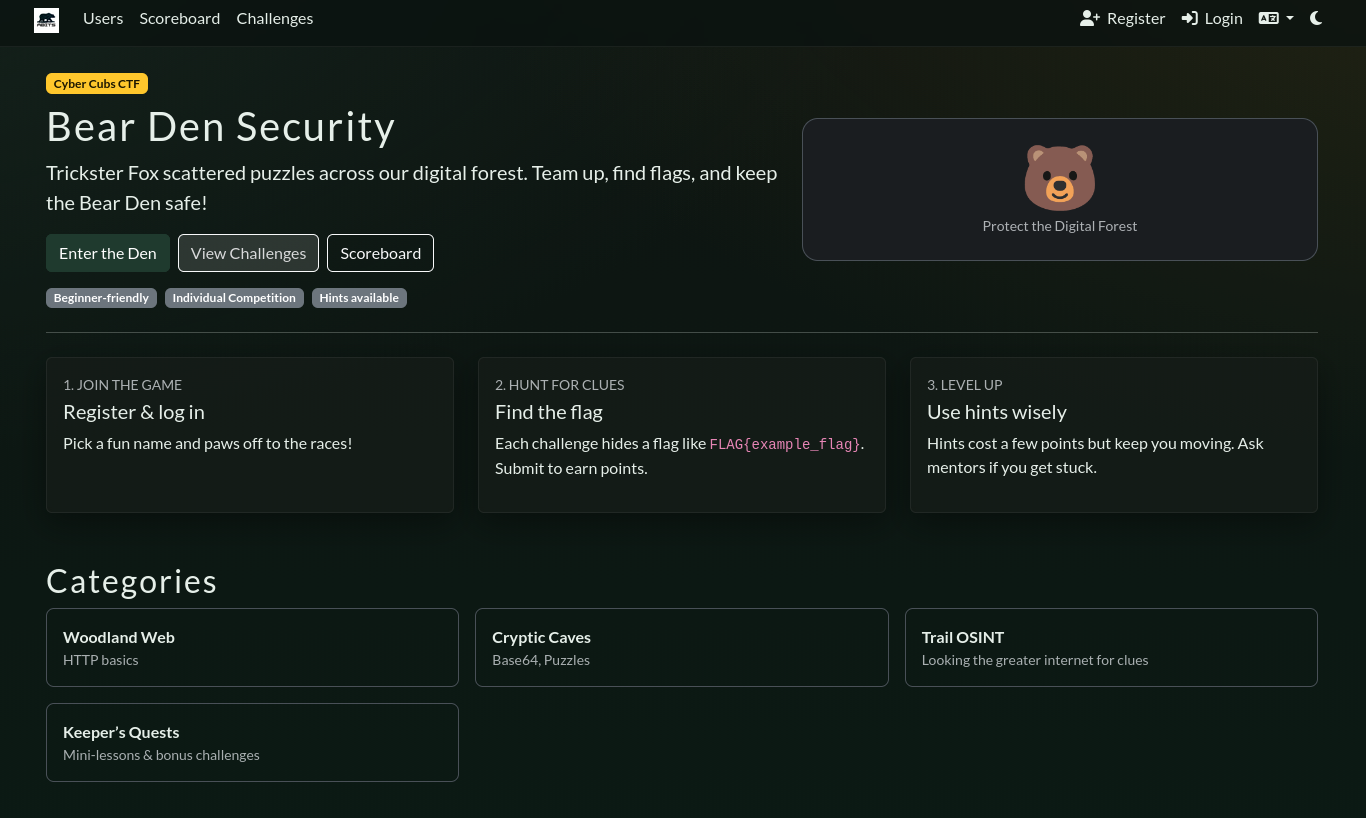
Once your site is online and functioning its time to give it some character! The main page is an editable HTML file that will allow you to add content to it, I added in some very basic design features allowing us to show off our org name on the front page:
Now, the challenges
 msu-abits
To document everything I did with this capture the flag, I made sure to make a repository containing all of the challenges that were located inside of the competition. Most of these are created in the external format and placed in challenges as I can spare them. Inspiration from these challenges is taken through my time on other CTF challenges and were intended to be fairly simple challenges that could be done in a short amount of time.
Challenges are selected based on the target audience of the group, Since my CTFs have been geared toward individuals inexperienced with them, the challenges have been fairly straight forward. But with the power of CTFd a lot more could be made.
Showtime
Putting the CTF into practice
Final Countdown
Once it came down for showtime! Since this is exposed to the public internet, I also ensured that I verified emails prior to them being added to the competition. I did this via the use of MailGun with my donain. I also then implemented a visual theme to bring it all together:
CTFd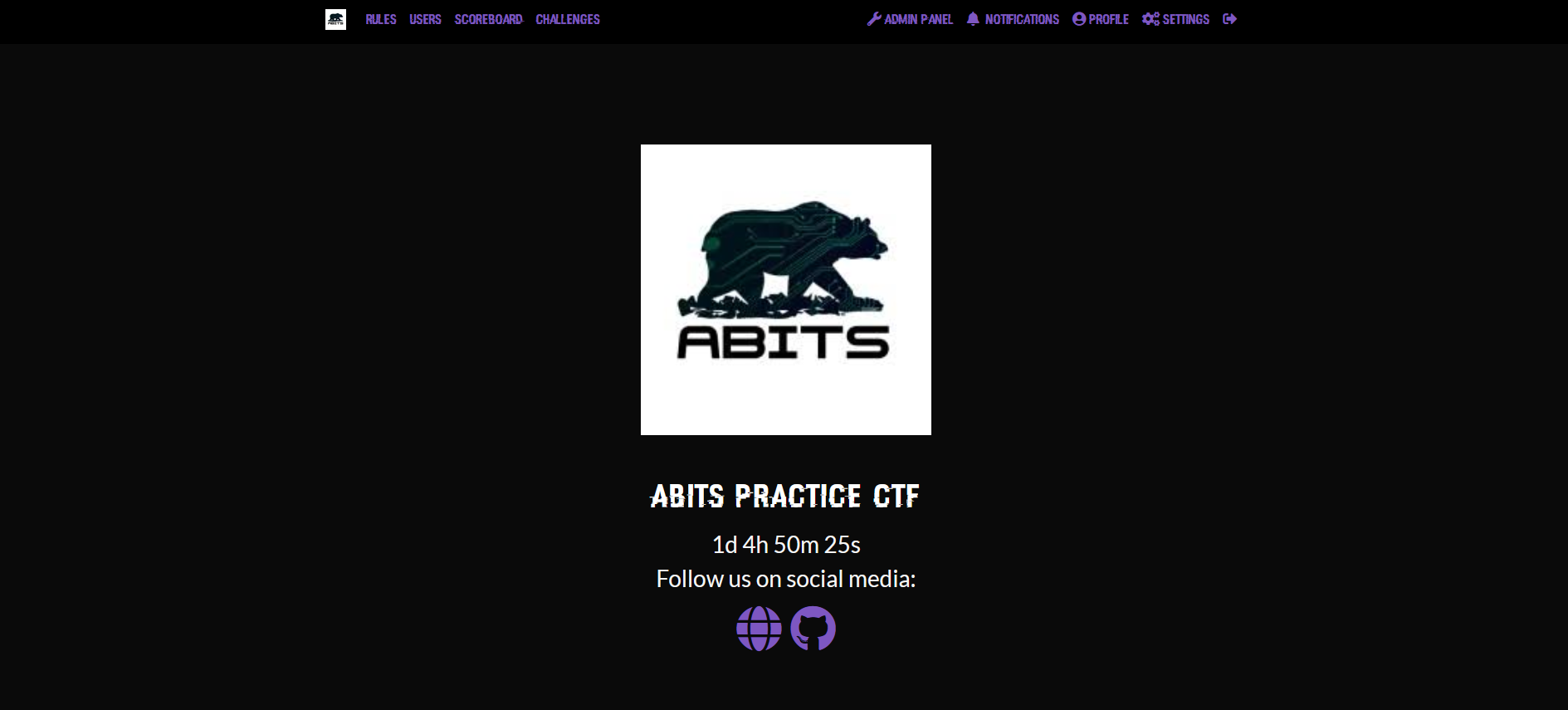
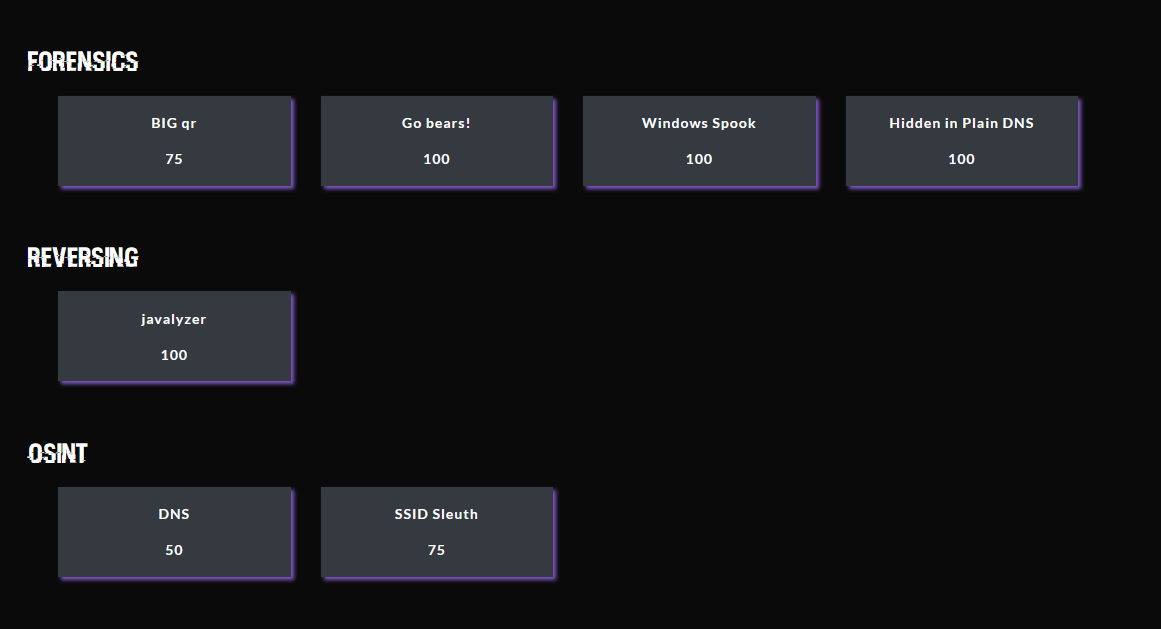
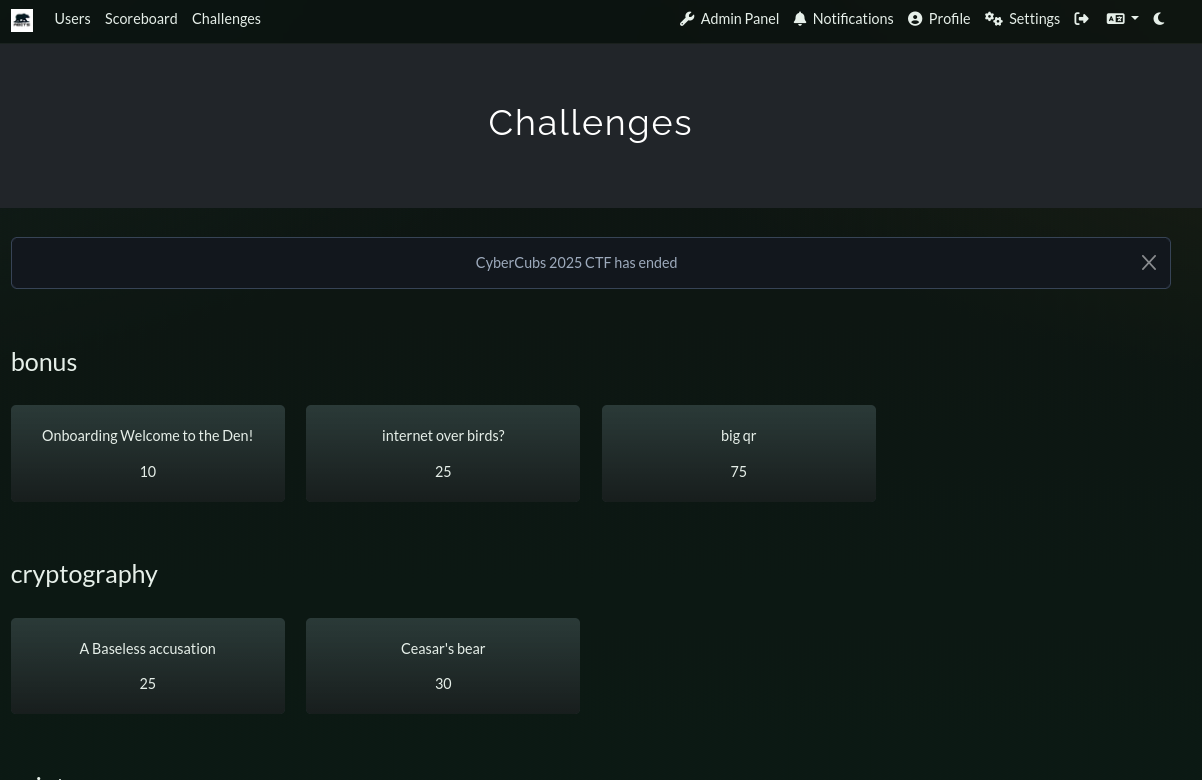
These two CTFs went without much issue! Due to their simplicity it was easy to keep track of what was being worked on and provide help and hints to the challenges to those learning about capture the flags. I highly recommend this way of learning to teachers!
Conclusion
Setting up a Capture the flag is easy and can provide great value to those wanting to learn in cybersecurity. Some fun competition never heart nobody! I have created two of these Competitions so far as a member of A-Bits and have had so much fun doing so! Stay tuned in this blog for a large "How to win at CTFs" blog that will be coming out, lots of work is being put into it!